
GRAB THE MELBET APP FOR ANDROID & iOS
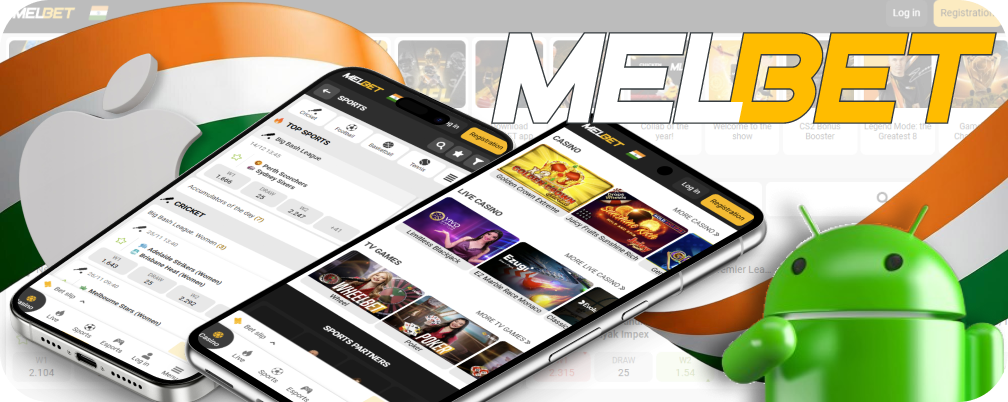
Keep all your favorite sports and games at your fingertips on your phone. The official app works on both Android and Apple devices.
Get into Mobile Betting: Grab the Melbet App in India
How folks engage with sports betting has evolved. Mobile phones have taken over as the go-to device for this task, making a PC no longer necessary. Users want the ability to choose a team from anywhere. This fresh habit from users shaped the creation of tailored mobile tools for their use.
Melbet has its own answer for this current need. The mobile app provides a safe and straightforward link to all our services. You get complete access to your favorite entertainment options through a handy app designed specifically for your portable device.
Getting to Know the Melbet App
The Melbet app serves as a straightforward gateway to everything the site offers, giving you an option aside from your regular web browser. It’s kind of like a browser made for a single website only. This approach gets rid of distractions such as unnecessary toolbars or features. The layout keeps controls away from important information.
This software has some clear advantages. It keeps the layout of a page the first time you download it. Then, it just grabs fresh info from the network, instead of reloading the whole page again. This way of working makes the program quick, even on sluggish internet connections. Naturally, it uses less data, which is great for mobile users on tight plans.
The Melbet app has all the features you need, so you might not even have to use the desktop site. We focus on the Melbet India mobile apps here, but there’s also a tailored client for Windows PCs you can check out. A crucial point is the automatic side-stepping of any block by looking for an active mirror.
Below are the main technical features and specifics of the Melbet app. This table details the system needs, file sizes, activities available within the app, and other key specs for 2026.
| In-app entertainment | Supported operating systems | Source of installation file | “Weight” of the installation file | Game account currencies | Languages | 24/7 support service |
|---|---|---|---|---|---|---|
| Sports and cyber sports betting slot machines live casino bingo poker virtual sports toto TV games | Android 8+ iOS 14+ MacOS 11+ VisionOS 1+ | Melbet website for Android App Store for Apple ecosystem | Android 69 6 MB iOS 287 8 MB | 120 fiat and 13 cryptocurrencies | 60 localisations including English | in-app chat feedback form telephone email |
Download the Melbet App on Your Phone
If you want to use Melbet, the first step is to install the app on your device. The first installation files are pretty light and won’t take up much memory on your device. Any new phone has plenty of capacity. Just remember, once you install the app, its size will grow because it needs to keep some files to run properly. This is just a typical function.
Now, let’s dive into the installation process. The approach is a bit unusual compared to the standard way of installing software. This holds for all widely used mobile operating systems.
So, the steps aren’t going to be the usual ones you’d find in the official store.
Download the Melbet App for Your Android Phone
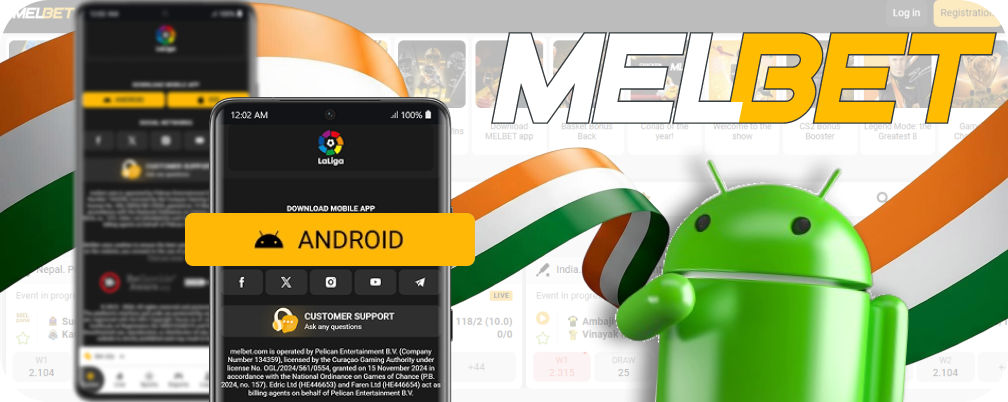
You might be asking why our app isn’t listed on the Google Play Store. The explanation is pretty straightforward. Google limits apps that let you gamble with real money, such as Indian Rupees. This is a worldwide guideline for 2026. So, the only secure spot to grab the official app is right here.
How to Download the App
To install the Melbet app on your device, you need to download the unique installation file, referred to as an APK, from our site. Follow these steps to download the file properly.
- Open your phone’s browser and head to the official Melbet site.
- If the site doesn’t load because of regional restrictions, activate a VPN and refresh the page.
- Find the big banner featuring the mobile app, and give it a tap.
- Confirm your choice so you can start downloading the APK file to your device’s storage.
A Quick Note on Safety
Your Android device might display a warning message. It could indicate that the file comes from an unrecognized source. This occurs since the download isn’t coming from Google Play. Our file’s totally secure. Just be sure to grab the APK exclusively from the official Melbet website. Unreliable websites might contain altered or dangerous software.
Final Installation Steps
Once the file finishes downloading, locate it in your phone’s “Downloads” folder. You can also track it down in your browser’s download history. Click on the file called melbet.apk. The setup will begin. Your phone may prompt you for a last confirmation.
Just follow the on-screen prompts to give the go-ahead and finish setting things up.
Get Melbet on Your iOS Device
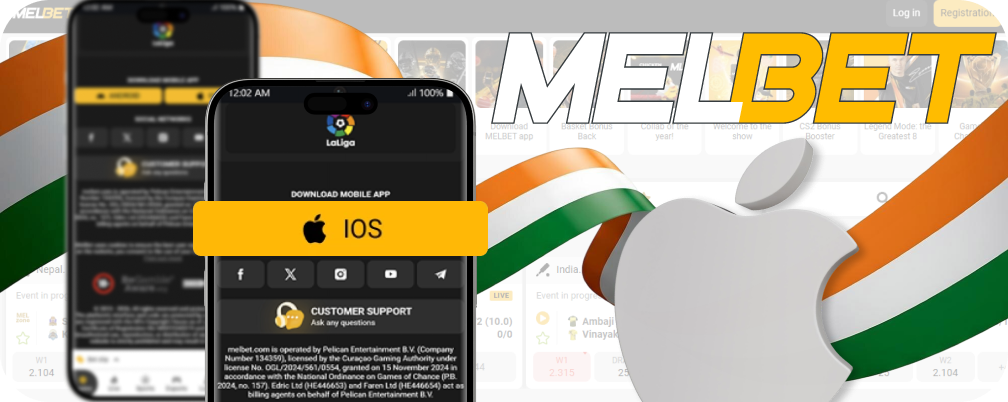
Apple devices only allow you to install apps from the App Store. This is an essential safety measure. The Melbet app is in that store, but you might not see it. This occurs since it’s only accessible in a few countries. Your device simply has to believe you’re in a legitimate spot, like India, Vietnam, Senegal, or Mongolia. You can do this easily by just tweaking the settings on your Apple ID. It’s an easy process.
To get the app to show up in your App Store, you need to start by changing your account’s region. Follow these steps closely to adjust your settings to the right location for the download.
- Launch the App Store on your device.
- Log into your Apple account if you’re not signed in yet.
- Tap your profile icon and then pick your name.
- Navigate to the ‘Country/Region’ option and tap to change it.
- Select India, Vietnam, Senegal, or Mongolia from the available choices.
- Check and confirm that you agree with the user policy.
- For the address form, fill in any details but make sure to use a real city.
- Choose ‘None’ as the payment method to finish the update.
Now that your account is switched to a new region, you’re all set to use the application. The setup happens on its own and takes just a minute to finish. Use these steps to locate it.
- Head back to the main page of the App Store and look for the search function.
- Input “Melbet” in the search box and run the search.
- Click the button next to its official logo to download the app.
What You Get with the Melbet App
The Melbet mobile app includes all the features you need for an enjoyable gaming experience. Users of this software have complete access. All the options you need to jump into the action are right there for you.
- Manage Your Account: Create your profile, sign in, and take care of your funds with easy deposits and quick withdrawals of Indian Rupees;
- Gaming Collection: Bet before a match or during live play, and explore a wide variety of slots and table games;
- Live Action & Streams: Catch many events live with instant video feeds for sports and casino dealers, all in the app;
- Special Rewards & Support: Snag bonuses, like a 10% weekly cashback just for app users, and get quick help from the support team via direct chat.
The mobile app features a clean, straightforward design. This design keeps you from straining both your data connection and your eyes. Its main color scheme features shades of white alongside dark grey. However, the creators intentionally included a variety of vibrant items in the design, such as team logos and images of famous athletes. This way, you can view all the details clearly, no matter how bright or dim it gets. The program is designed to be easy to use. A person who hasn’t practiced can pick things up pretty quickly.
Importantly, the top sports events and well-liked casino games are right in front of you, allowing you to jump in and start playing right away.
Thanks to the Melbet app, you won’t miss your shot to place a bet on an exciting game before it wraps up. The Live area lets you place bets on matches that are already in progress. The system changes the odds according to what’s happening on the field or court. This in-play betting style is fantastic since you don’t just depend on pre-game analysis. You can make a guess based on how the game is actually playing out, which you can see. You can also check out a bunch of game broadcasts right in the app. It’s a really useful feature.
Mostly, the Melbet India bonus deals are the same on both the desktop site and the mobile app. The guidelines for some promotions may occasionally mention that details about participation or how prizes can be used might change slightly based on the version, but usually, these are minor, specific things. Much more importantly, we’d like to share our program with a unique bonus. There’s a deal in there that you won’t find on the website at all. A user gets a lovely 10% cashback each week. To qualify, all you need to do is place your bets using the app. You should also stick to the rules regarding the minimum odds for your picks.
Smart App Layout
The mobile app features a tidy, straightforward design. Its design plays with bold contrasts between white and dark grey tones. This design doesn’t drain your device’s resources and feels comfortable for your eyes. The designers decided to include bright colors, like team logos and photos of athletes. This detail really highlights everything and helps you see all the information clearly, no matter the lighting. The design is really easy to grasp, allowing someone new to pick it up in no time.
The biggest sports events and popular casino games are just a click away, letting you dive into the action without wasting any time.
Live Bets and Match Streaming
Using the Melbet app, you can get in on a game even if it’s already underway. You won’t want to pass up on great chances. The Live section displays all the current matchups happening right now. You’ll notice the odds shifting in real time based on the action happening on the field or court.
An added bonus is that you can bypass the tricky pre-match forecasts. You can build your forecast based on the actual power dynamics you see as the game progresses. For plenty of events, you can catch a live feed right from the app, which is a really handy feature.
Your Exclusive Bonus Inside the App
A unique treat is ready for you just within the mobile app. You can grab a special 10% cashback every week. This specific promotion is just for those who use the app. To receive this weekly payout, you’ll need to make sure all your wagers go through the program. Make sure to stick to the guidelines regarding the minimum odds for your picks. You’ll notice that many of the bonus offers from the main website can be found here as well. The details for certain promotions may have minor changes, depending on the device you’re using.
Placing a Bet in the Melbet App
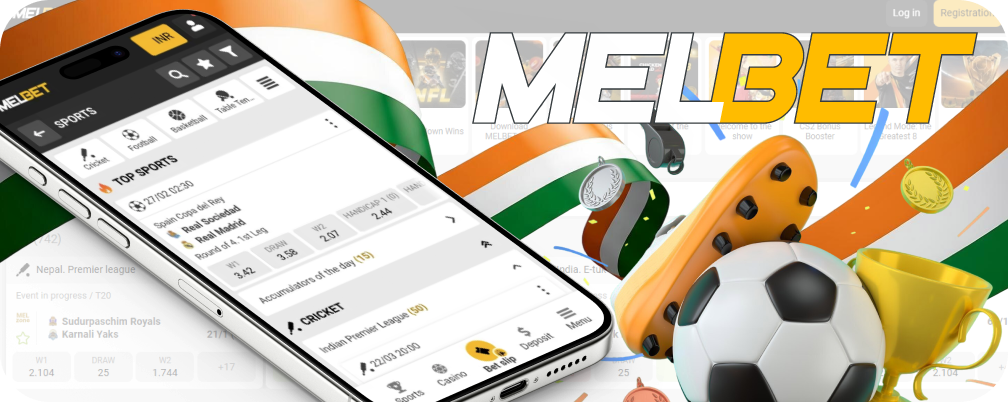
Making a sports bet using the Melbet mobile app is pretty simple. The layout is somewhat changed compared to the website, so just follow these steps to make sure you place your first bet right.
- Launch the Melbet app on your device.
- Find the event you’re interested in on the home screen or check out the Line and Live sections to explore different sports. You can also type in a specific team name in the search bar.
- Just tap on the event to view all available markets, then choose an outcome by tapping on its odd.
- Your selection will show up in your bet coupon. Include additional results for a multi-bet; the odds will automatically combine.
- Navigate to the coupon, input your stake, and double-check the details before you finalize the bet.
Any winnings from a correct prediction will go straight into your account balance, ready for withdrawal.
Check Out the Latest Melbet App Version
If you’re using an iPhone, the app takes care of its updates automatically. If your device’s settings allow for automatic updates from the App Store, the program will remain up to date without you needing to do anything. On Android devices, you’ll have to do this manually. Since the program isn’t available in the main app store, you’ll need to manually look for updates.
Here’s how to get the latest software:
- Open the Melbet app on your Android phone;
- Head to the main Menu and choose the Settings option;
- Scroll down until you find the version number for the app;
- If your software is out of date, an update button will show up.
Just tap it, and the phone takes care of everything else.
Melbet App or Mobile Website: Which One Should You Pick?
You’ve got two great ways to bet on your phone: a dedicated Melbet app and a handy mobile website. We offer both options, so you can choose what suits you best. The standalone software allows our developers to create unique features. This helps us create a one-of-a-kind tool for your activity.
Meanwhile, the mobile site provides a solid alternative. It doesn’t require any installation and works right in your phone’s browser. This is ideal for folks using a less popular operating system or an older gadget. It’s also an excellent choice if your device is running short on internal storage. The screen automatically fits to your phone’s size. By the way, you just need a single Melbet account. Your login details, personal info, and balance in INR are all linked to one profile. This lets you flip back and forth between the app and the website whenever you want. You can also sign up or confirm your identity on either of those. The table below provides a comparison of the details.
| Melbet Application | Melbet Mobile Site |
|---|---|
| A program that you need to install | A website that you access via a browser |
| Can bypass access restrictions set by providers | Might require a VPN if access is restricted |
| Loads just the new content of the page | Reloads the entire page with each visit |
| Requires downloading and installing | No need for any installation |
| Utilizes phone storage but conserves data | Uses mobile data but saves storage |
| Android users have to update it on their own | Updates happen automatically when you load it |
Having Trouble with the Melbet App? Find Quick Fixes Here
At times, the Melbet app can act up and cause a few issues. Most problems are pretty easy to fix by yourself. Here are a few common issues users in India encounter, along with how to resolve them.
- Can’t reach the download page: If the official site in India isn’t loading for you to obtain the Android app, it’s probably blocked. You can still access the site using a VPN; free servers are enough to handle this and download the file. The app figures out how to get around blocks after you install it;
- App closes randomly: Sometimes, the app just shuts down out of the blue on certain devices. This might occur on older gadgets that have limited RAM or storage space. If RAM is causing problems, it’s a good idea to shut down other apps. Our program doesn’t take up much space, but it can push a weak device to its limits if other software is running. If you’re short on memory, consider freeing up some space. Delete any software and content that’s not needed.
Play Anywhere on Your Phone
The Melbet mobile apps give you the freedom to enjoy gaming without being tied to a computer at home. You get the complete array of features on the software for Android and iOS devices. The mobile tools are just as good as the main site. You’ll find a bunch of advantages, such as low data usage and an interface that loads fast. A unique treat is a 10% cashback, something you won’t come across anywhere else. If you’ve got an account with us, you don’t need a new profile—just log in.
Your Questions Answered
Is there any charge for downloading the Melbet app?
You can grab the app for free from our official website or on the App Store. Bets using actual Rupees need a deposit, so keep in mind that you could lose your funds.
How do I get the app on my Android phone?
For Android, you can only download the file from the official Melbet website. Open our website on your phone and hit the app banner. Once the download finishes, just tap the file to start the installation.
How about for iPhones? Is there an app for iOS?
iPhone users can download the app directly from the App Store. To get this done, you’ll have to tweak your account. Change the country to India, Vietnam, Senegal, or Mongolia, and you can go ahead and install it.
Are the bonuses different for the app compared to the website?
The bonuses available on the mobile apps and the desktop site are the same. Just keep in mind that some details about the promotion could vary a bit. Also, the app offers a unique weekly 10% cashback.
Can I catch live sports on the app?
The Melbet app features hundreds of live events happening each day. Big games that TV networks have the rights to usually don’t get included. Still, there’s a lot of content that’s not available on regular TV.
How can I find out if my app is up to date?
To see if there’s a new version, open the app’s Menu, then head over to Settings. Next to the version number, you’ll see the status ‘Updated’ or a button for downloading the newest software.
Can I use my website account for the app?
You need to use the same account.
Creating a different account just for the app and the website would violate the Melbet User Agreement.